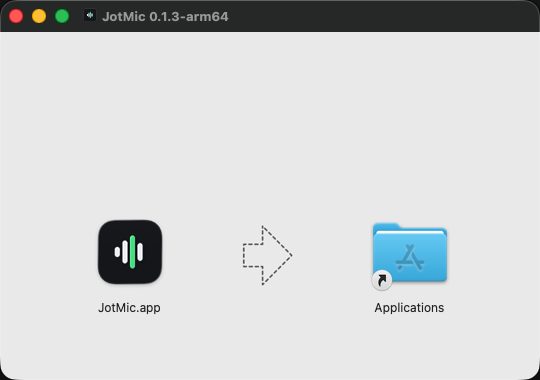
Step one
Install it
Drag it to Applications. On Windows, run the installer.
AI dictation for Mac and Windows
Hold a key and talk. What lands at your cursor is punctuated, tidied up and ready to send.
Free to try. No card needed.
Apple Silicon · macOS 14 or later · Windows 11
See how it worksWherever you already write.
How it works
Step one
Drag it to Applications. On Windows, run the installer.
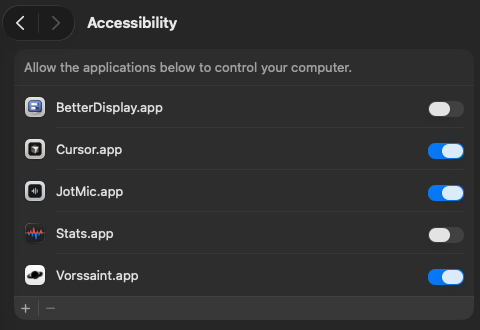
Step two
Microphone to hear you, Accessibility to type for you.
Step three
Right Option by default. Punctuated text appears at your cursor.
Shown on a Mac.
Where you will use it
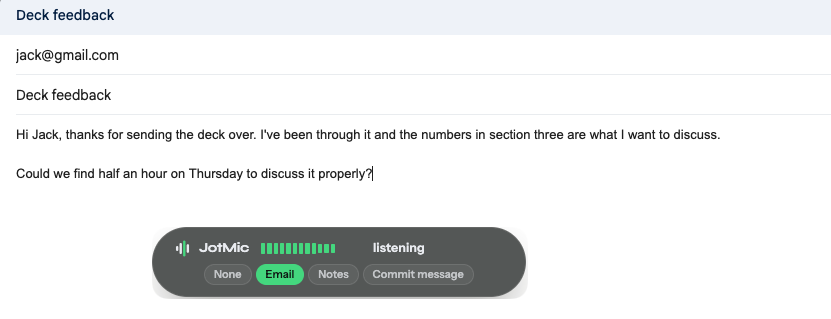
Hold the key, say what you want to say, let go. What lands is punctuated and ready to send.
Gmail · Outlook · Apple Mail · Superhuman · any webmail
Notes and documents
Any text box, no plugin. It types at your cursor like a keyboard.
Apple Notes · Notion · Google Docs · Word · Obsidian

Terminals and editors
A long prompt is easy to write when you are not typing it. Claude Code, Codex, Cursor, or a plain shell.
Claude Code · Codex · Cursor · VS Code · Terminal · iTerm · Warp · Ghostty

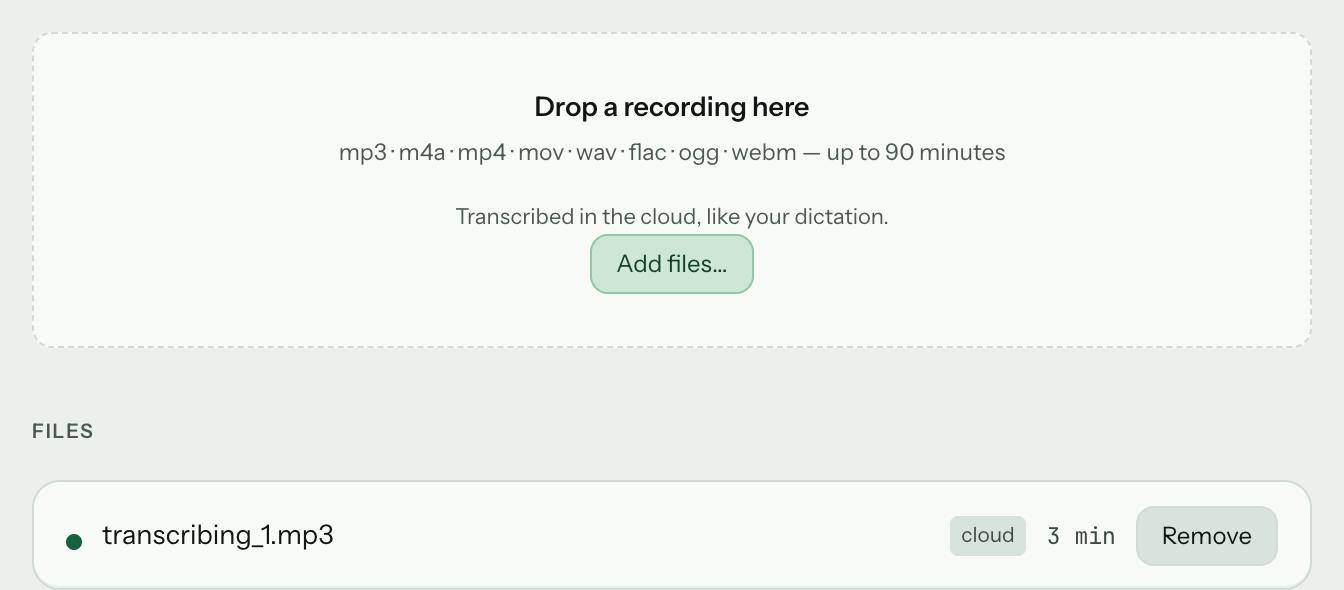
Audio and video files
Interviews, calls and video, turned into text.
Voice commands
Say what you want done, and it happens. No typing, no hunting for the button.
How voice commands work Opens apps and sends keystrokes on both platforms. Goes further on a Mac with app menu commands.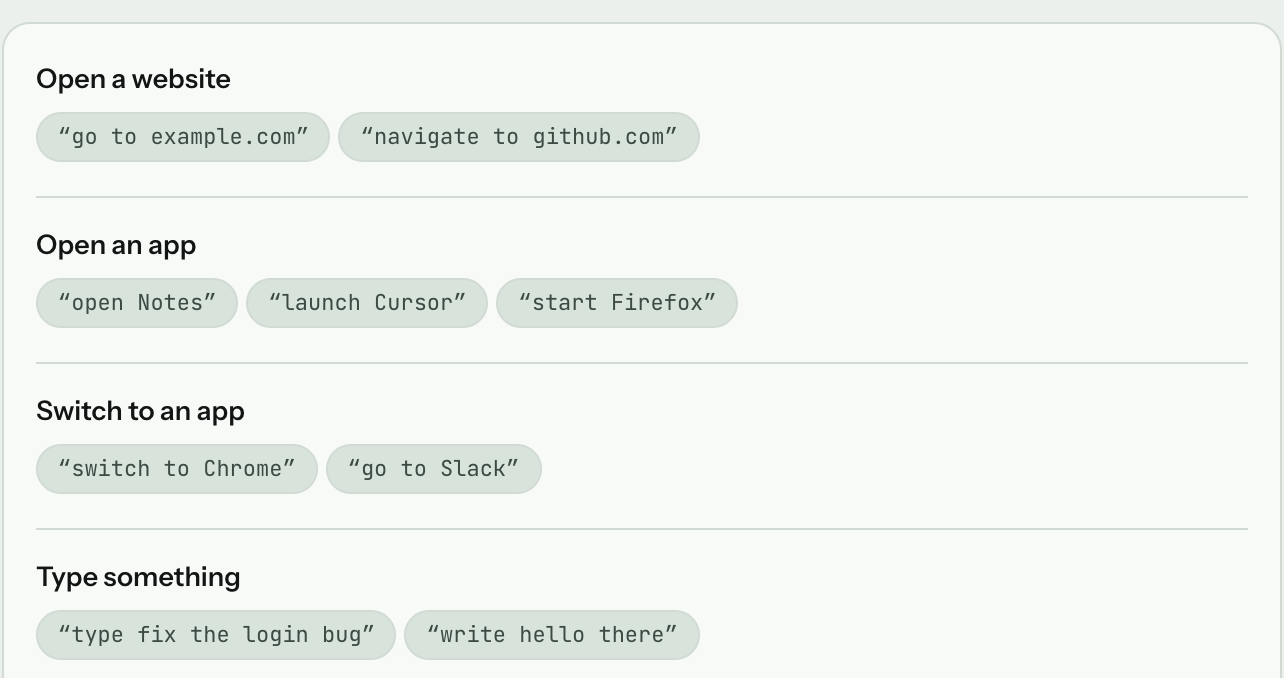
Privacy
Online, your audio is turned into text and deleted straight after. Never stored, never used for training.
Offline, nothing leaves your computer. Best on a machine with room to spare.
What offline dictation guarantees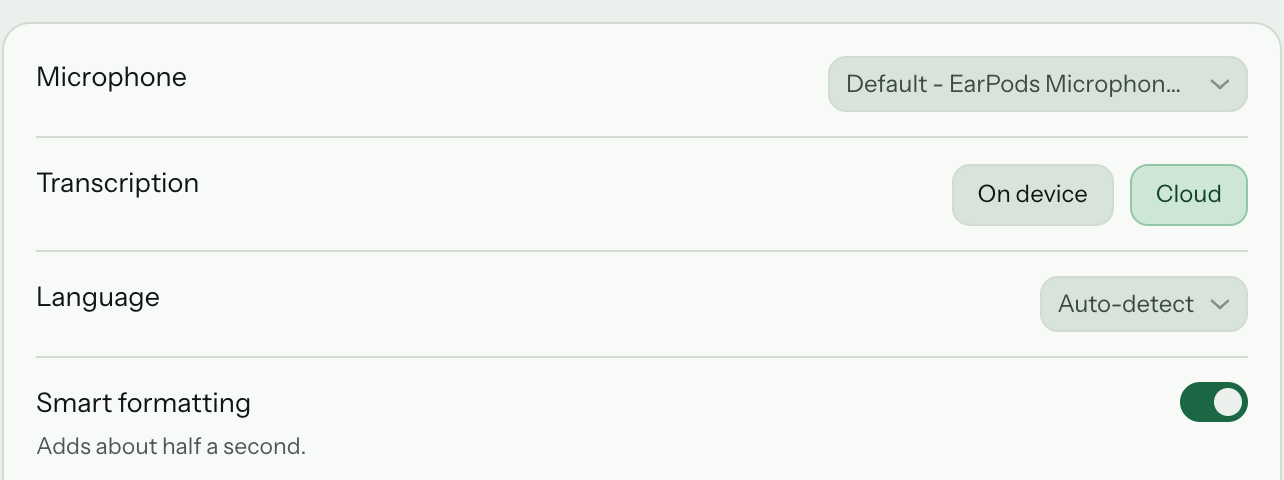
Time saved
Hours back a month
29
JotMic Pro
$8 / month
Worth a year
$21,120
Assuming you speak about three times faster than you type.
Pricing
Start with 5,000 free words that never expire. Upgrade for unlimited dictation and file transcription.
Free
Try dictation at your own pace.
Download freeNo card needed
Dictation5,000 words, free forever
Lifetimebest value
Everything in Pro. Paid once, never again.
Choose LifetimeOne payment, no subscription
DictationUnlimited
Pro
For everyday writing. $80 a year, two months free.
Choose ProCancel any time
DictationUnlimited
Monthly or yearly, cancel whenever you like. If JotMic is not right for you, mail surya@jotmic.com and I will sort the refund out.
Any app or website with a text box. It types at your cursor like a keyboard, so there is nothing to set up.
Yes. It can run entirely on your own computer, with no internet at all. It works best on a machine with room to spare, and online is the default otherwise.
Offline, nothing leaves your computer. Online, only what you just said — never your screen, your windows or your clipboard. It is turned into text and deleted straight after. Never stored, never used for training.
It removes fillers and fixes capitalisation and punctuation. That is the whole edit. Turn the cleanup off in Settings and you get the raw transcript.
It is free to start with no card. Dictation features are included; file transcription requires a paid plan. You get 5,000 words, and they never expire. After that, dictation stops until you upgrade.
Both, from the same account. macOS 14 or later, Windows 11 on 64-bit. Voice commands go further on a Mac, where JotMic can also do anything the app in front of you can do.
Try it on your next email.
Free to try. No card needed.
Apple Silicon · macOS 14 or later · Windows 11